BIMTasks TR
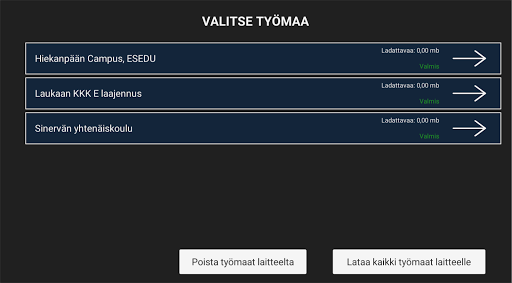
The tool utilizes a site model and a map to locate the errors detected in the measurement.
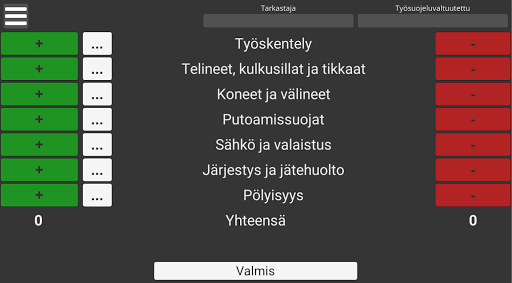
The program takes observations that are either negative or positive.
Negative findings are given a description and, if desired, a picture of the error to know what is wrong.An essential part of the tool is also the Website (bimtasks.fi), where the measurement data is stored.
On the page, the measurement results can be viewed and, for example, the corrected errors can be marked as completed.Use of the program requires separate IDs, as well as the status model and map of the desired destination before commissioning.
You can contact us by e-mail ([email protected]).
The program takes observations that are either negative or positive.
Negative findings are given a description and, if desired, a picture of the error to know what is wrong.An essential part of the tool is also the Website (bimtasks.fi), where the measurement data is stored.
On the page, the measurement results can be viewed and, for example, the corrected errors can be marked as completed.Use of the program requires separate IDs, as well as the status model and map of the desired destination before commissioning.
You can contact us by e-mail ([email protected]).
Features
📊
Productivity Tools
Boost your productivity with powerful tools and features.
🛍️
Shopping Features
Shop online and find the best deals.
Screenshots
See BIMTasks TR in Action

Get the App Today

Available for Android 8.0 and above
Ask AI about this app
Get instant answers about features, tips and more from popular AI assistants.